
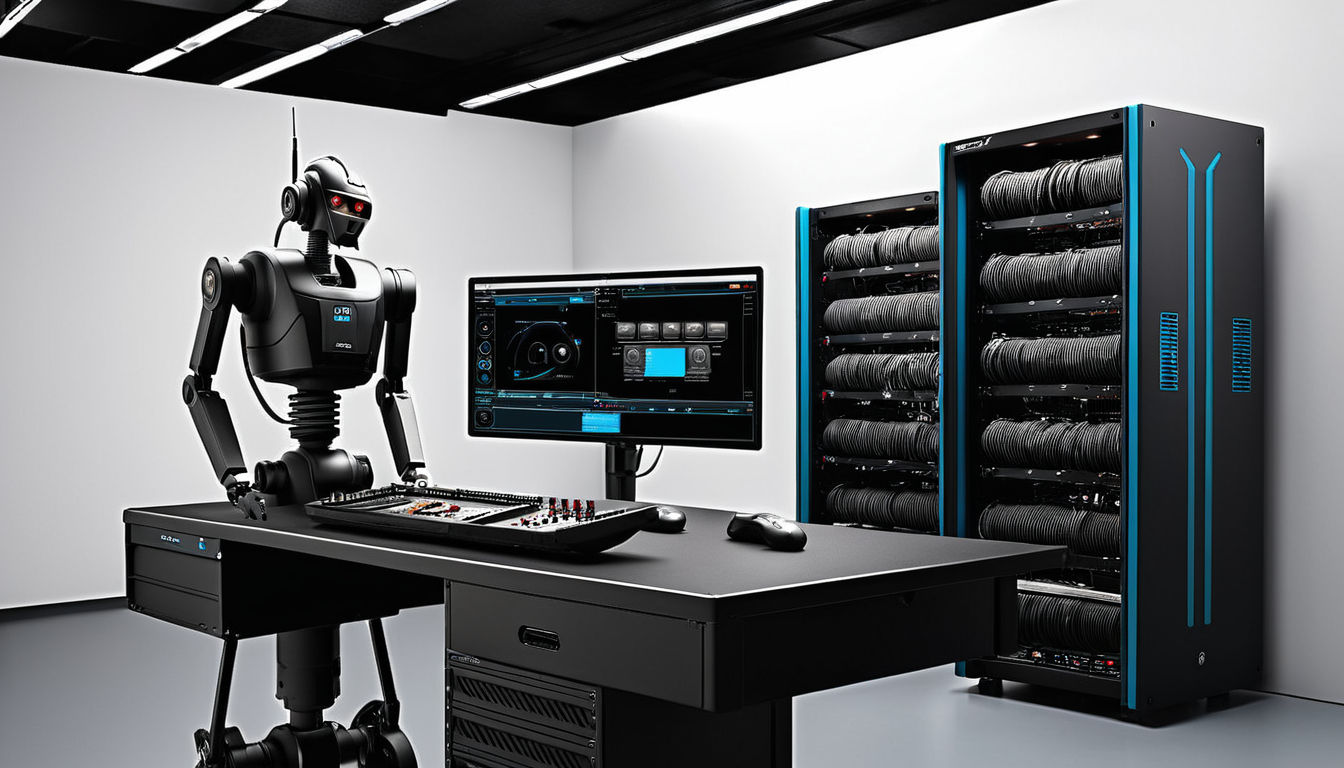
The challenge of generating live video streams has traditionally required multiple GPUs to handle the data-intensive workload. However, MiniMax H3 promises to change this paradigm by enabling real time video generation even on a single GPU. This makes live streaming more accessible and efficient, particularly for smaller organizations or individual creators who may not have the resources for high-end equipment.
Since October 8, 2026, Comfy Blog reported a success story in which a user was able to leverage MiniMax H3 in real-time video production. While traditional methods often need to pool GPUs to produce a video stream that runs at a normal rate, the user found that MiniMax H3 delivered reliable service on a single GPU. The setup was called ComfyStreamerH3; it managed real-time video playback and clip storage. With the ability for low cost setups to achieve professional results, even with a single GPU, Comfy Blog highlighted how much this technology could expand the scope of live video streaming, opening up opportunities for amateur broadcast producers on tight budgets.
What happened
Comfy Blog published an article on October 8, 2026 detailing how it used MiniMax H3 to generate real-time live video streams efficiently using just a single GPU.
The author, ComfyStreamerH3, embarked on an experiment to test the capabilities of MiniMax H3. The goal was to produce high-quality video clips with low latency, all while keeping up with standard playback speeds. The setup involved using AI models specifically designed to handle live streaming requirements.
ComfyStreamerH3 detailed the technical aspects of integrating MiniMax H3 with existing tools and frameworks. This integration aimed to leverage the model's ability to generate frames in real-time, ensuring a smooth streaming experience.
The experiment ran over multiple days, testing various scenarios and content types. This included both static and dynamic content, ensuring that MiniMax H3 could handle a range of streaming needs.
During the trial, ComfyStreamerH3 monitored key performance metrics such as frame rate, latency, and overall system load. These metrics helped identify any bottlenecks or areas where optimization was necessary to improve efficiency.
Comfy StreamerH3 concluded that the MiniMax H3 successfully kept up with video playback, generating frames with minimal delay. The high frame rates maintained throughout the experiment confirmed its ability to produce clips that were both high quality and smooth, even on a single GPU.
This experiment demonstrated MiniMax H3's potential for democratizing live video streaming, making it more accessible to creators and content producers who may not have access to high-end hardware.
The findings from ComfyStreamerH3's experiments on the MiniMax H3 were shared for open-source contributions to help improve future versions of the technology.
Why it matters
For businesses, the ability to live-stream content can significantly enhance engagement and reach. According to Comfy Blog, MiniMax H3 simplifies the infrastructure needed for live video generation. Businesses no longer require multiple high-end GPUs to achieve real-time video playback.
This can be a gamechanger for small and medium-sized enterprises (SMEs) that might have limited budgets for IT infrastructure. The cost savings from using a single GPU can be substantial, allowing these businesses to allocate resources elsewhere, such as marketing or content creation. Comfy Blog highlights that MiniMax H3 makes high-quality video streaming accessible without breaking the bank.
Content creators and influencers benefit as well. They often face technical challenges and high costs when setting up live streams. MiniMax H3 reduces these barriers, enabling solo creators to produce professional-grade streams on a single GPU. This democratizes content creation, making it easier for individuals to build an audience and monetize their content.
Educational institutions can also leverage MiniMax H3. Live-streaming lectures, workshops, and events becomes more feasible, enhancing remote learning experiences. Institutions can reach a larger audience without the need for complex and costly infrastructure. Students can access educational content from anywhere, promoting inclusivity and flexibility in learning.
From an operational standpoint, IT teams have fewer hardware management issues to deal with. A single GPU setup reduces the complexity of server configurations and maintenance. This simplification leads to more efficient use of IT resources and lower operational costs. Teams can focus on enhancing the quality of content and user experience rather than troubleshooting hardware problems.
Moreover, MiniMax H3's efficiency can contribute to sustainability efforts within organizations. Lower power consumption and reduced hardware needs mean a smaller carbon footprint. This aligns with growing corporate social responsibility initiatives, making it easier for businesses to operate sustainably while staying competitive. Comfy Blog's example shows that a single GPU setup not only saves costs but also supports environmental goals.
In summary, MiniMax H3's capability to generate live video on a single GPU opens up multiple operational opportunities. Businesses can reach wider audiences, content creators can produce high-quality streams, educational institutions can enhance remote learning, and IT teams can manage their infrastructure more efficiently. These benefits underscore the importance of this technology in making live video streaming more accessible and sustainable.
What to do
- Evaluate your current video streaming setup to identify if MiniMax H3 can be integrated to improve efficiency.
- Test MiniMax H3 on a single GPU to ensure it meets your real-time video generation needs. Comfy Blog recommends running the MiniMax H3 version of ComfyStreamer.
- Develop custom scripts for specific streaming scenarios. This allows you to optimize for different playback requirements and resolutions.
- Monitor the performance and quality of the streams generated by MiniMax H3. Use your findings to adjust settings for better results.
- Consider scaling your streaming operations to other environments, such as distributed servers, if MiniMax H3 proves effective on a single GPU.
By taking these steps, you can leverage MiniMax H3 to make live video streaming more accessible and efficient.
2TI lens
For a Spatial Digital Agency/ Living Office/ PaaS approach this same problem is structured differently in the work: by integrating similar real-time video streaming workflows into broader digital spaces. By using a coordinated suite of tools stream live video in immersive, responsive digital environments.
Sources
In his October 8 post, Comfy from Comfy Blog published a detailed account of how he was able to generate live video with MiniMax H3 on a single GPU. This post specifically addresses how this technology simplifies video playback and generation processes.
In his post he said "Can MiniMax H3 keep up with video playback on one GPU while still producing clips worth watching? ComfyStreamerH3 is my attempt to find out."
This source provides practical insights into the operational implications of using MiniMax H3 for real-time video generation, making it a valuable resource for teams looking to enhance their live streaming capabilities with minimal hardware requirements.
- Comfy Blog